A trackpad, not a touchscreen
One finger moves the pointer, tap to click, two fingers scroll or right-click, three fingers drag. Hardware keyboards and trackpads work as they do on a Mac.
For iPad and iPhone
HPSS connects to the High Performance mode built into macOS Screen Sharing: the low-latency, hardware-encoded video stream that Apple silicon Macs use with each other. Nothing to install on the Mac, no account, and nothing leaves your network.

The Mac's screen arrives as four HEVC video tiles, decoded on the iPad's media engine.
A remote screen is only useful if you can type, point and read on it. HPSS treats the iPad as a proper way to use your Mac.
One finger moves the pointer, tap to click, two fingers scroll or right-click, three fingers drag. Hardware keyboards and trackpads work as they do on a Mac.
A keyboard bar with sticky ⌘ ⌥ ⌃ ⇧, Esc, Tab and common shortcuts. The picture slides up so the cursor never hides behind the keyboard.
Match the iPad's screen exactly, ask the Mac for a bigger desktop, or go Retina for sharp text. Switch any time during a session.
The Mac's audio plays on the iPad. Copy text or an image on one side and paste it on the other.
Open HPSS on an iPhone next to the iPad and it becomes a keyboard and trackpad for the session, shortcut bar included.
Switch apps and come back: the session stays connected for quick trips away and returns with a fresh picture.
No helper app, no account to create. HPSS uses the Screen Sharing that is already on your Mac.
On the Mac, open System Settings, then General, then Sharing, and switch on Screen Sharing.
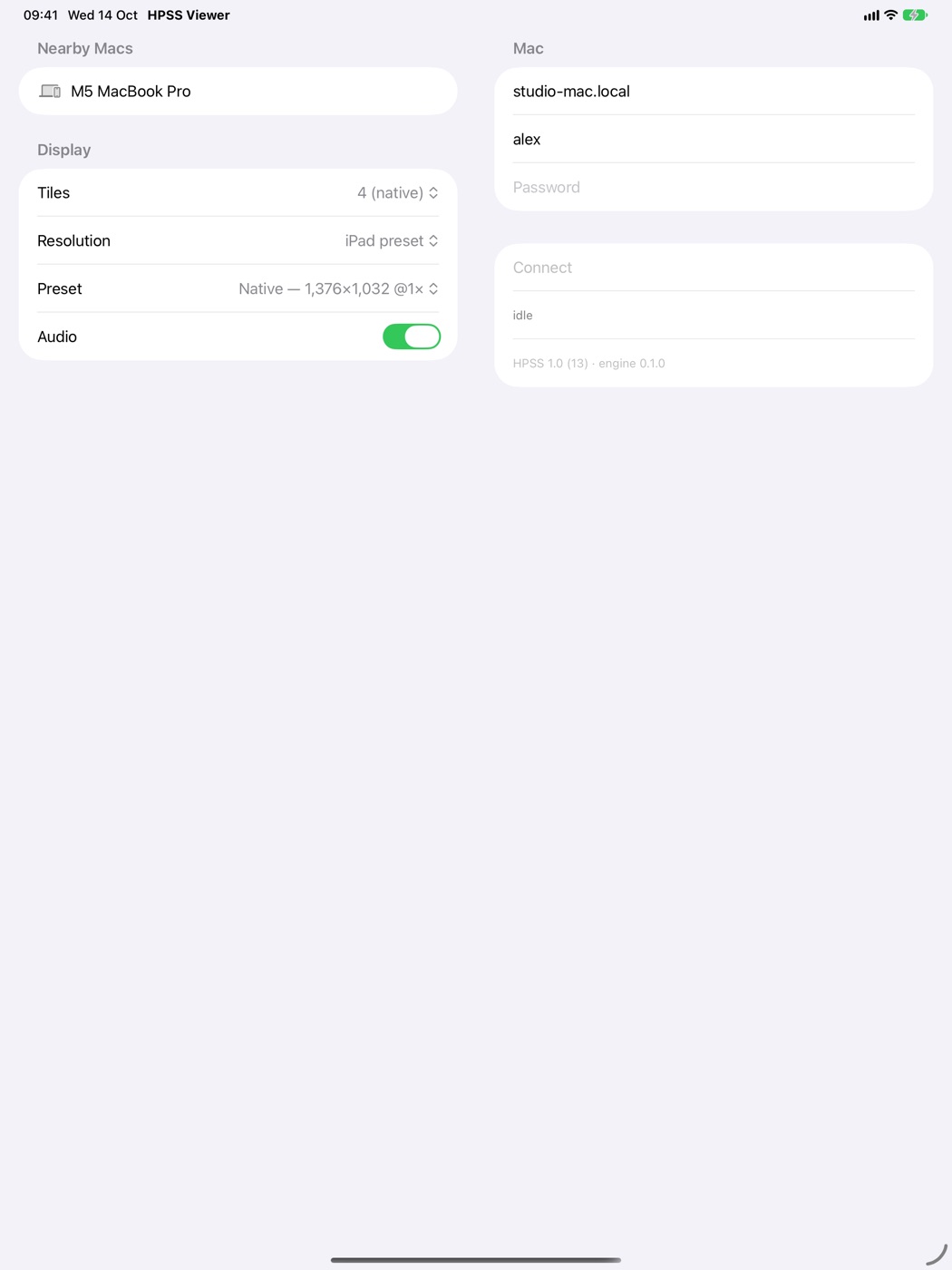
Open HPSS. Macs with Screen Sharing on appear under Nearby Macs, or type the Mac's name.
Use your Mac user name and password, choose a display preset and tap Connect.
Under the hood
Classic Screen Sharing sends your screen as a series of compressed images. High Performance mode, added in macOS Sonoma, streams it as video instead, with the Mac's sound alongside. Apple supports it only between two Apple silicon Macs.
HPSS is a native implementation of that mode for iPad and iPhone. It decodes the video in hardware and protects the connection with the encryption built into iOS and iPadOS.
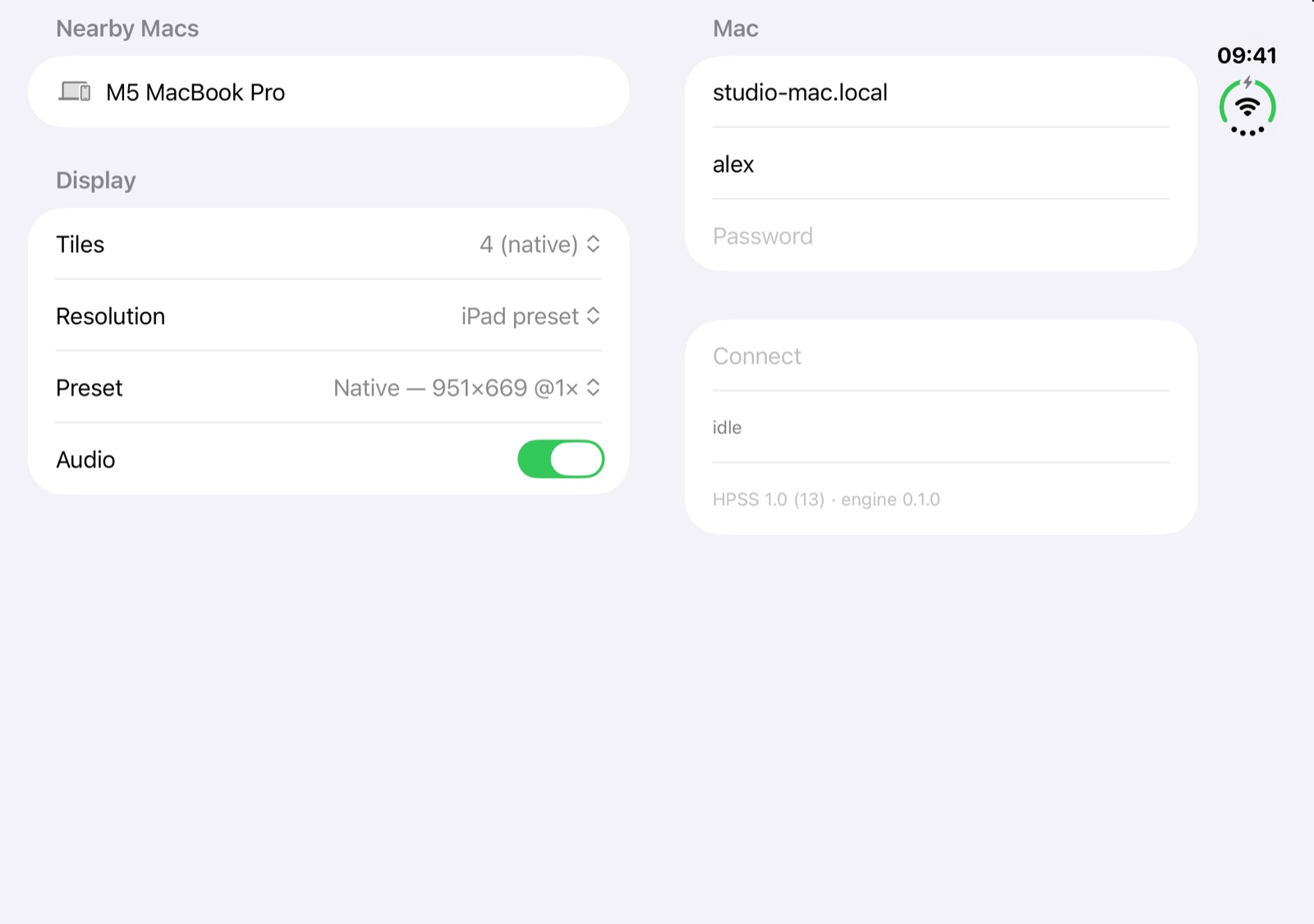
Unfold it and the inner display becomes a small Mac screen you can carry. HPSS is built with the iPhone Duo SDK, runs edge to edge on both displays and keeps its controls clear of the fold.
HPSS has no account, no servers of its own and no analytics. It talks to your Mac and nothing else. Your password is used to sign in to the Mac and is never stored.
No. HPSS uses the Screen Sharing built into macOS. Turn it on in System Settings, under General and Sharing, and make sure your user account is allowed to connect.
High Performance mode needs a Mac with Apple silicon running macOS Sonoma 14 or later. Intel Macs don't offer it.
HPSS connects to Macs on your local network. Both devices need to be on the same network, and guest Wi‑Fi that keeps devices apart will stop it finding your Mac.
No. You buy it once, and Family Sharing lets up to six people in your family use it.
The support page covers the common fixes, or email hpss@bitsmatter.co.uk with your iPad or iPhone model, your Mac model and what you saw.